Windows Setup Guide
Before You Start
Please complete these steps after purchasing a subscription.
1. Download v2rayN for Windows
Download the v2rayN Windows zip package.
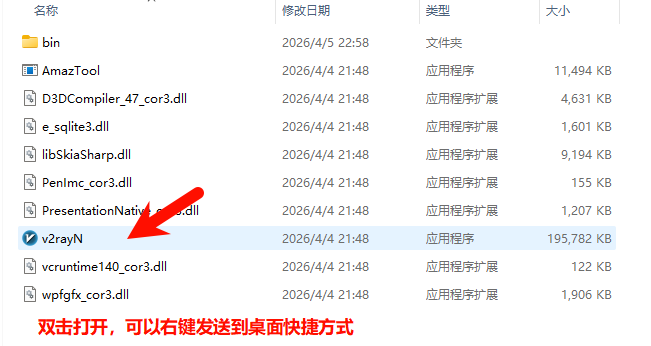
After the download is complete, extract the zip package, then open v2rayN.

2. Import the Subscription
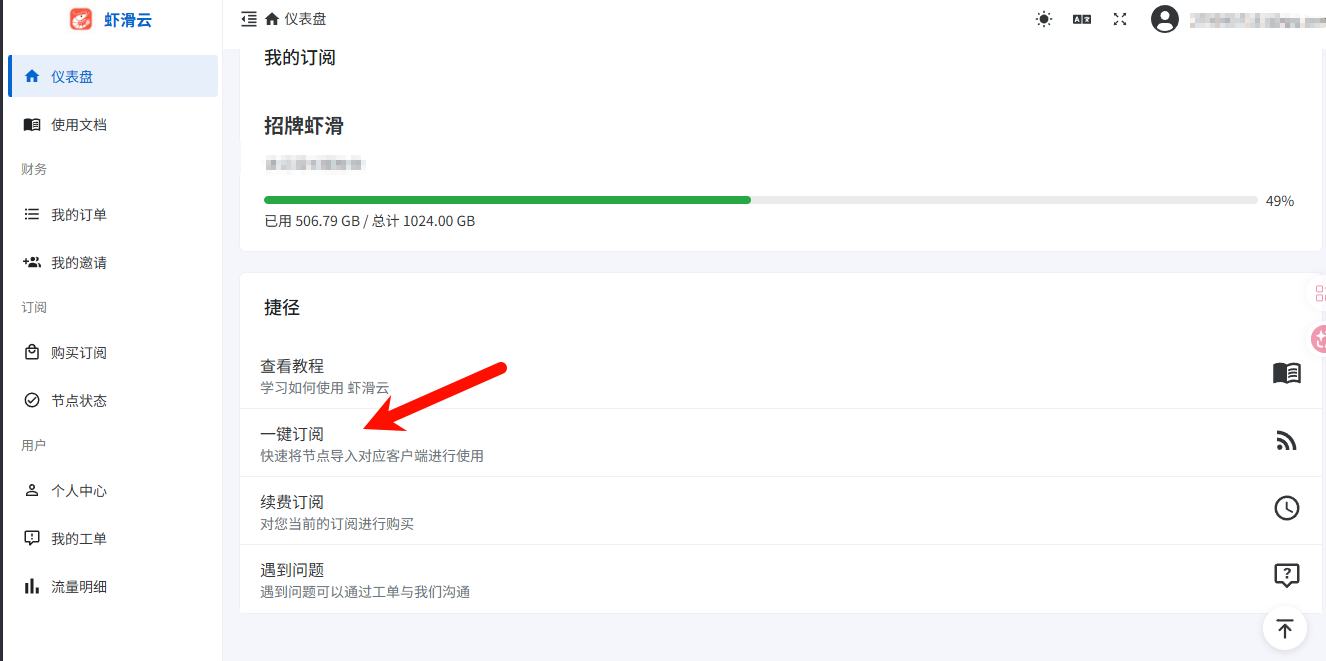
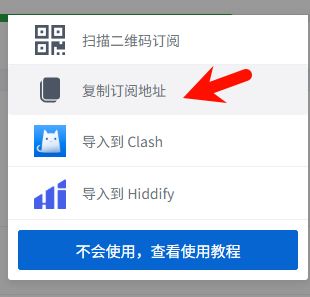
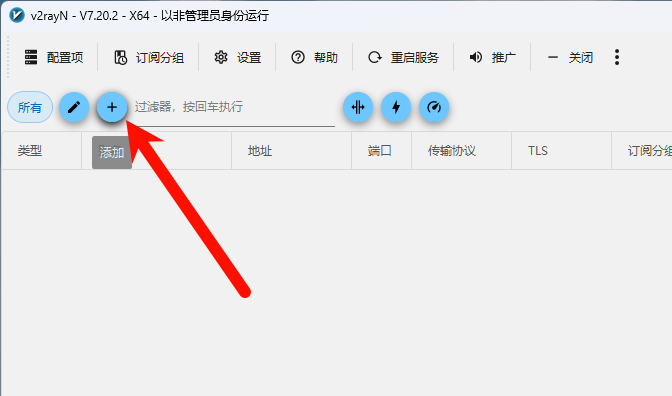
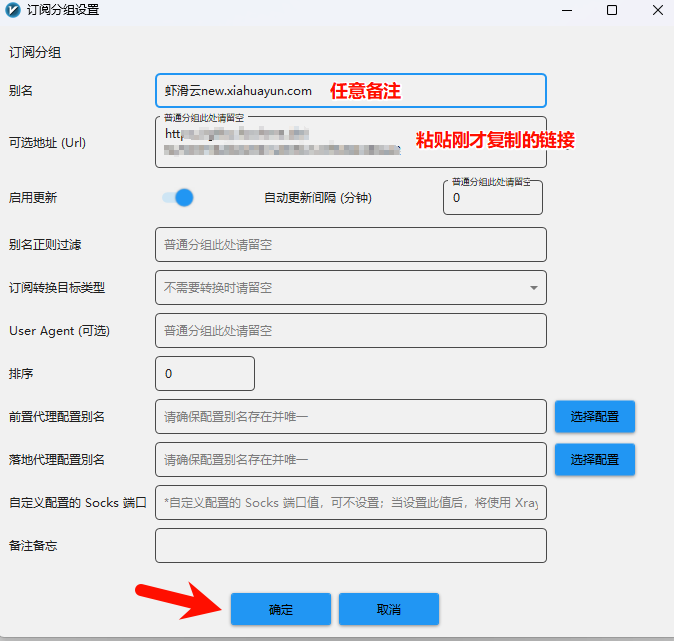
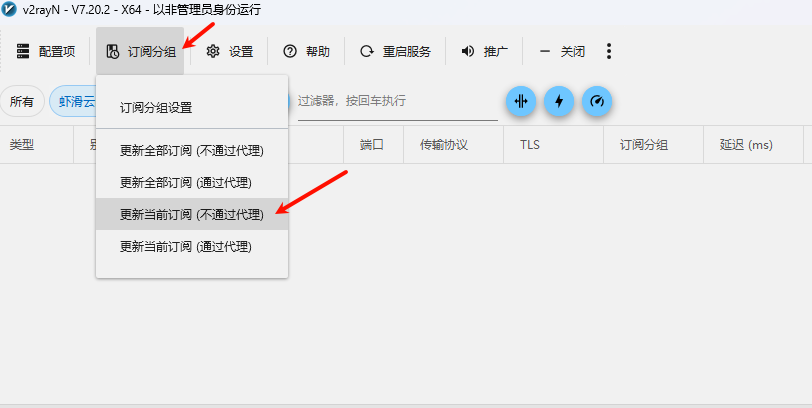
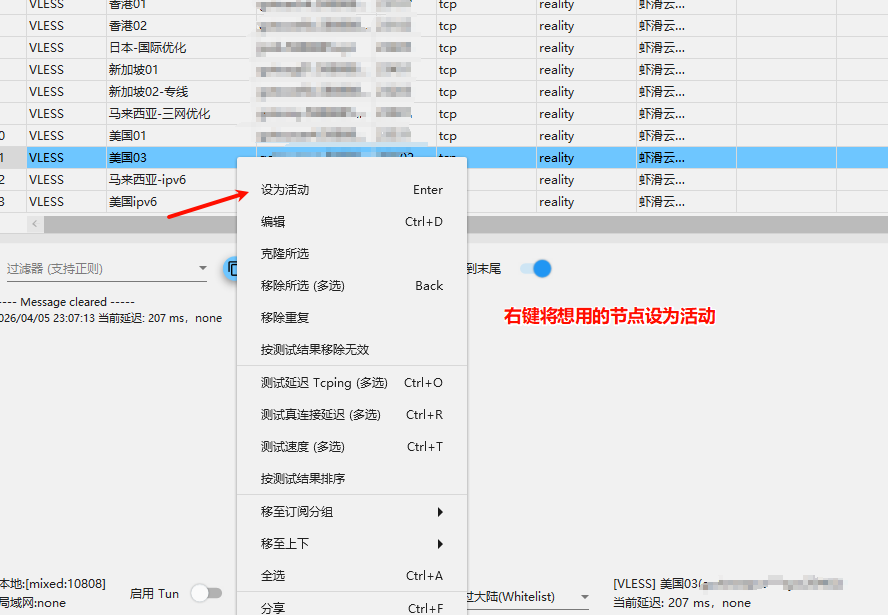
Open your subscription dashboard, copy the subscription link, then add the subscription in v2rayN.
3. Set Proxy Mode
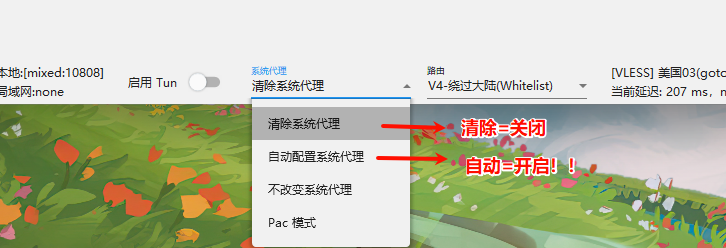
After importing the subscription, set the mode to "Auto".